
Additional Legacy Menus
In addition to the horizontal, sidebar and callout menus, there are two other menus legacy sites may use: The Social Media and Nationally Ranked menus.
Legacy Social Media Menu
The Social Media menu allow legacy microsites to share department, initiative, and social media links.
The template supports links from the following Social Media platforms and options:
- X (Formerly Twitter)
- Youtube
- Google Plus
- Blogs
- Vimeo
- Flickr
For legacy pages, links to any other Social Media platforms will need to be added directly to a page on a microsite.
To edit the Social Media menu, navigate to the following file: /legacy_site_name/config/socialmedia.pcf
Once there, select the 'Multi-Edit' button in the upper right-hand corner.
You will be taken to Social Media Multiedit Content menu:
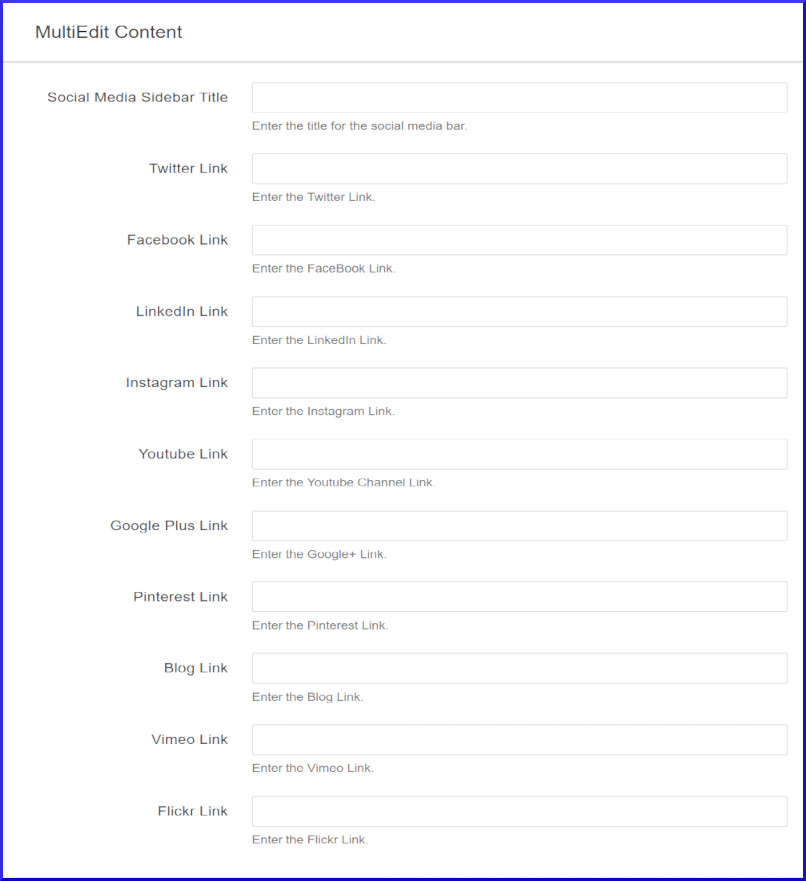
Once you've filled out the form, click the blue 'Save' button in the upper right-hand corner, then click the green 'Publish' button.
Legacy Nationally Ranked Menu
In order to add this type of menu to your site, you'll need a program's rank, the source for the ranking, the name of the program, and the link for more information.
To edit the Nationally Ranked menu, please navigate to the following file: /legacy_site_name/config/ranking2019.pcf
Once there, select the 'Multi-Edit' button in the upper right-hand corner.
You should now see a form that allows you to update a program's ranking information:
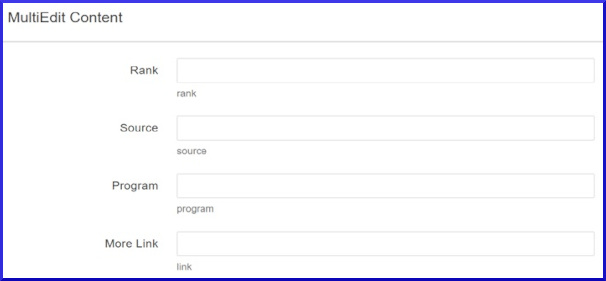
Once you're done filling out the form, click the blue 'Save' button in the upper right-hand corner, then click the green 'Publish' button.
Legacy Carousels >