
New Design User Training
Welcome to the University of Memphis' Modern Campus CMS online training.
Before beginning, we recommend reading through all materials in the sidebar first.
First Things First
What is Modern Campus CMS?
Modern Campus CMS is a Content Management System (CMS) which allows users to quickly and easily create, update, maintain, and manage webpages and sites within the University of Memphis webspace.
Modern Campus CMS functions similarly to other Content Management Systems in that you can accomplish all of this without having to actually code anything directly through the use of a What-You-See-Is-What-You-Get (WYSIWYG) editor.
The What-You-See-Is-What-You-Get (WYSIWYG) editor used in Modern Campus CMS appears in many ways similar to what you see on the toolbar of Microsoft Word or Excel.
There are buttons to load and save content, add text or images, format text with bold or italic styles, and so on.
The idea behind using such a system is to allow for as many users as possible, with the widest ranges of technical skills, to maintain their departments content and webspaces.
If you are reading this, then you are well on your way to training to have the ability to do this yourself.
Let's get started!
Getting Started
For this portion of training, your user account will only be able to access and edit the Modern Campus CMS Sandbox. We encourage following along with the training material while working within the /modern_campus_cms_sandbox/ folder.
Signing In
To sign-in, scroll to the bottom of the Modern Campus CMS Sandbox landing page and click the copyright '©' link.

If you have already signed in to one of the University of Memphis' services via Single Sign-On (SSO), then you may be taken directly to your first editing window in Modern Campus CMS.
If not, you'll be prompted to log in via the University's Single-Sign On (SSO) screen:
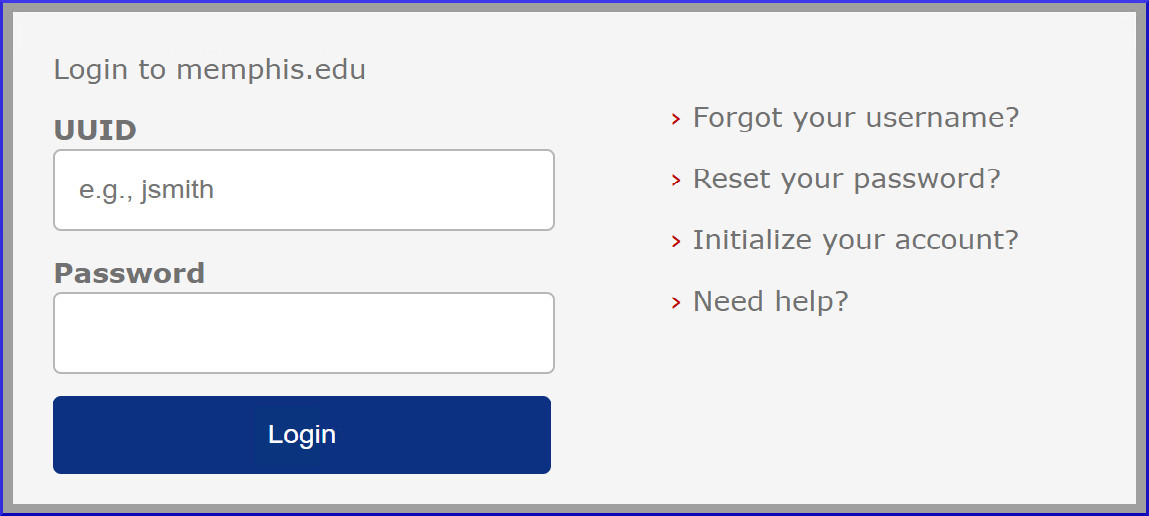
** Note: If this is your first time completing training, you will receive a "Your account does not have access" error message if you try to sign into Modern Campus CMS from any other website. **
Microsites >